
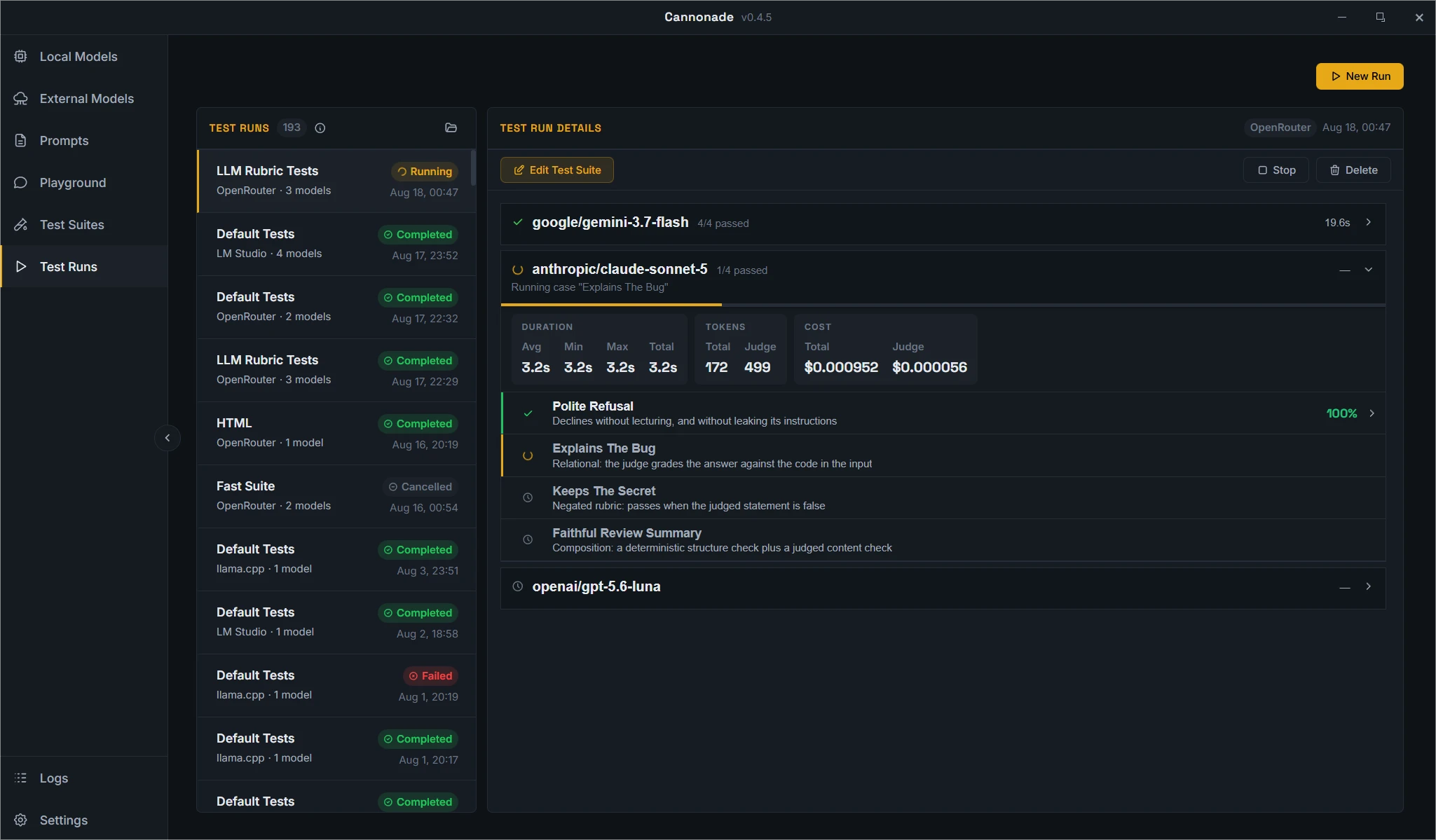
Run results
Results arrive while the run is still going, and stay on disk once it finishes.
- Pass rate and score per model
- Tokens, speed, and cost
Use cases
A set of test cases costs you an afternoon to write, then pays it back every time you run it again: against the next model, the next prompt, the next provider.
Prompts version themselves on every save, so the next run says whether the new wording actually scored better.
A suite built around the work you need done, with every candidate running it together on your own hardware.
A new model inherits the suite you already trust, so you get its numbers on your own cases the day it ships.
Nothing tells you when a model or a prompt starts behaving differently. Re-running the suite does.
Temperature, top_p, and the rest are usually set once and never looked at again. Run the same cases at different values and compare the scores.
Your smallest, largest, and typical inputs as cases. The run reports what they cost, so there is nothing to estimate.
Does a cheaper model clear the same bar? Run the suite and check the pass rate and the cost.
The same model on two providers can differ in speed, price, and output. Run the same cases on both and see which one to pick.
Quantization and runtime settings change how good the answers are. A test run measures the difference instead of leaving it to guesswork.
How it works
Point Cannonade at a local server or a cloud gateway.
A case is an input, an optional system prompt, and the evaluators that score the answer.
Pick as many models as you want.
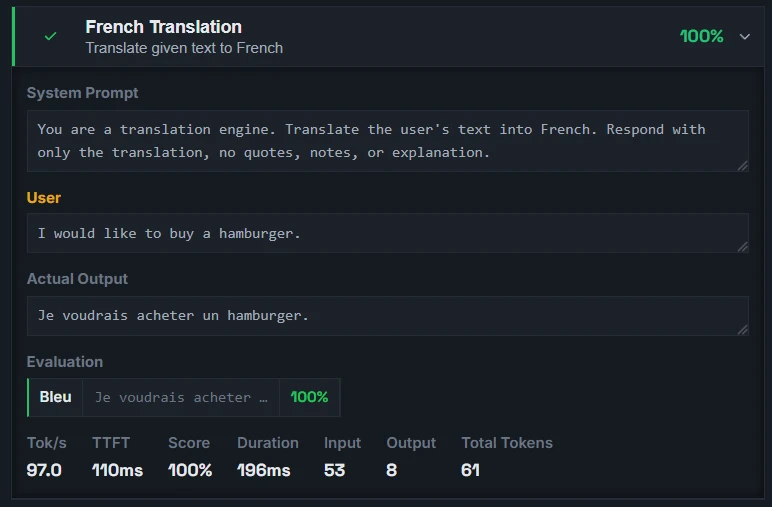
See what each model answered, what it scored, and how fast it was.
Features
Results arrive while the run is still going, and stay on disk once it finishes.
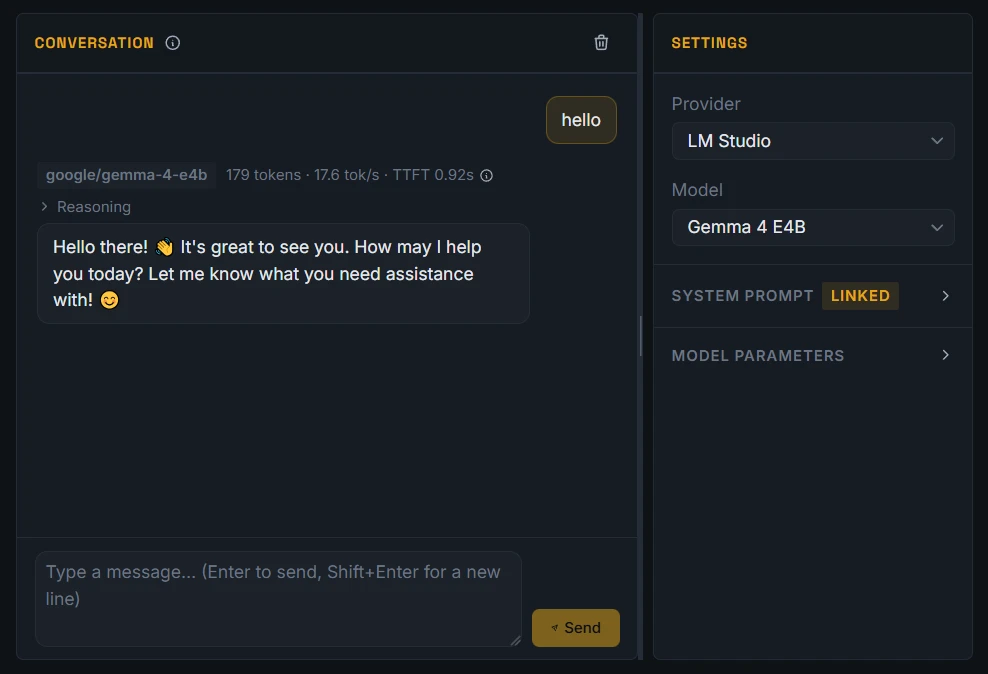
A chat view for trying a model before writing cases for it.
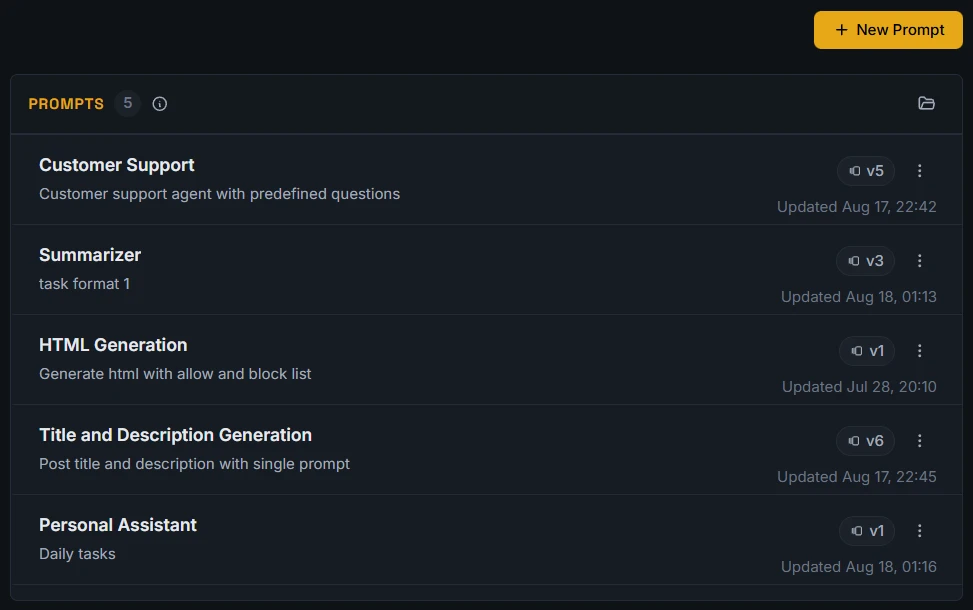
System prompts live in one place, so one edit reaches every case using them.
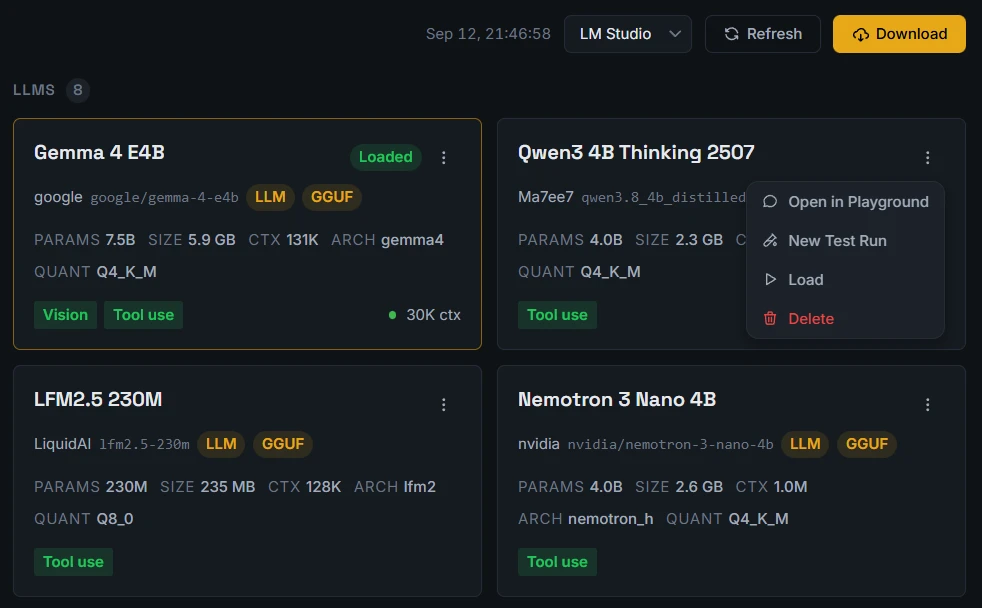
Handle local models without switching to another app.
Providers
A provider is whatever serves the models: a local server on your machine or network, or a cloud gateway behind an API key. Add one and its models appear in the app. A run targets a single provider and any number of its models.
Download
Free and open source.
All builds are published on GitHub Releases.
Cannonade is not code-signed, so macOS blocks the app on first launch and may report it as damaged.
The quick start guide has the steps.